How To Turn An Audio File Into A Video Spectrogram Using FFMPEG
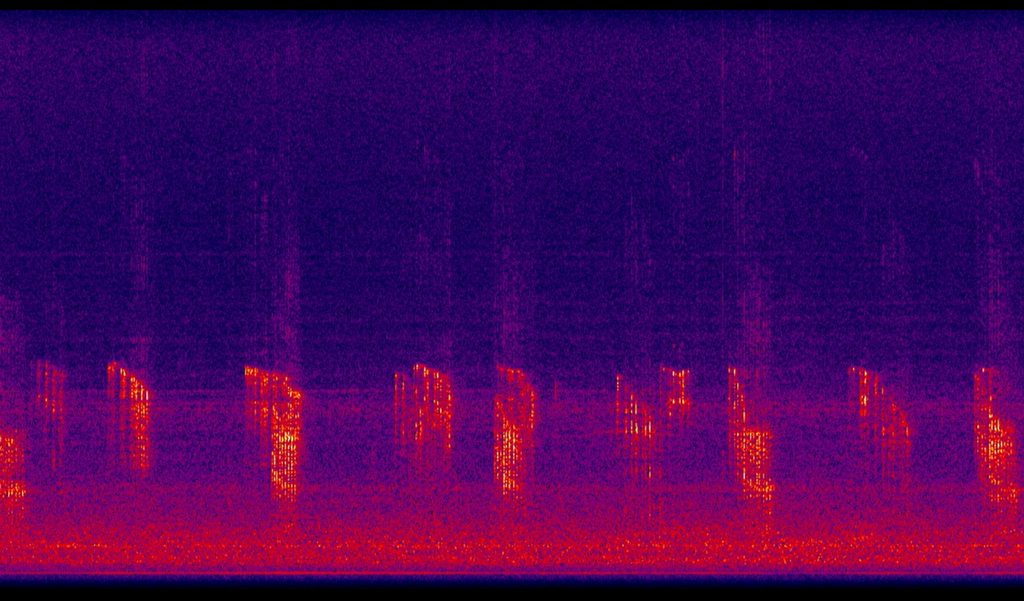
Step-by-step guide to convert an audio wav file into a spectrogram MP4 video using FFMPEG.
FFMPEG
https://www.ffmpeg.org/download.html
On Linux based systems, your package manager will probably have ffmpeg ready to install. For Windows you can either download and install directly from FFMPEG’s website, or use a package manager like MSYS2 https://www.msys2.org/.
Command
ffmpeg -i filename.wav -filter_complex "[0:a]showspectrum=mode=separate:slide=scroll:color=intensity:scale=cbrt:s=960x540[out]" -map "[out]" -map 0:a -c:a libmp3lame -b:a 128k -ar 48000 -c:v libx264 -pix_fmt yuv420p -bufsize 320k -preset medium -movflags +faststart -g 12 -r 24 -crf 18 -f mp4 filename.mp4
Parameters
showspectrum
https://ayosec.github.io/ffmpeg-filters-docs/8.0/Filters/Multimedia/showspectrum.html
This command takes the audio and generates the video spectrogram.
Specify the dimensions or size of the video, the type of slide, channels combined or separate,
the colour palette to use, the scales for frequency and intensity. Plus other parameters as required.
These are found in the "[0:a]showspectrum=mode=..." section.
libmp3lame
https://trac.ffmpeg.org/wiki/Encode/MP3
https://ffmpeg.org/ffmpeg-codecs.html
This section encodes the audio to mp3 for combining with the video. Parameters here spcecify the bitrate, audio sample rate. Here the bitrate is set to a constant 128k, the audio rate is set to 48kHz.
libx264
https://trac.ffmpeg.org/wiki/Encode/H.264
This section encodes the video of the spectrogram into a H.264 format.
- pix_fmt of yuv420 supports dumb players.
- preset of medium is the default setting. This provides some given parameters to start that can be overridden.
- crf or Constant Rate Factor controls the quality of the video with a value of 0-51. Where 51 is lowest quality and 0 is lossless.
- The movflags faststart is added for webvideos viewed in a browser, either embedded in social media, or on a youtube stream.
- r sets the framerate. g adjusts the group of pictures setting otherwise known as the keyframe interval.
The above settings, plus extra parameters to take input streams and produce output streams, were used to generate a youtube stream from live underwater hydrophone audio.